No products in the cart.
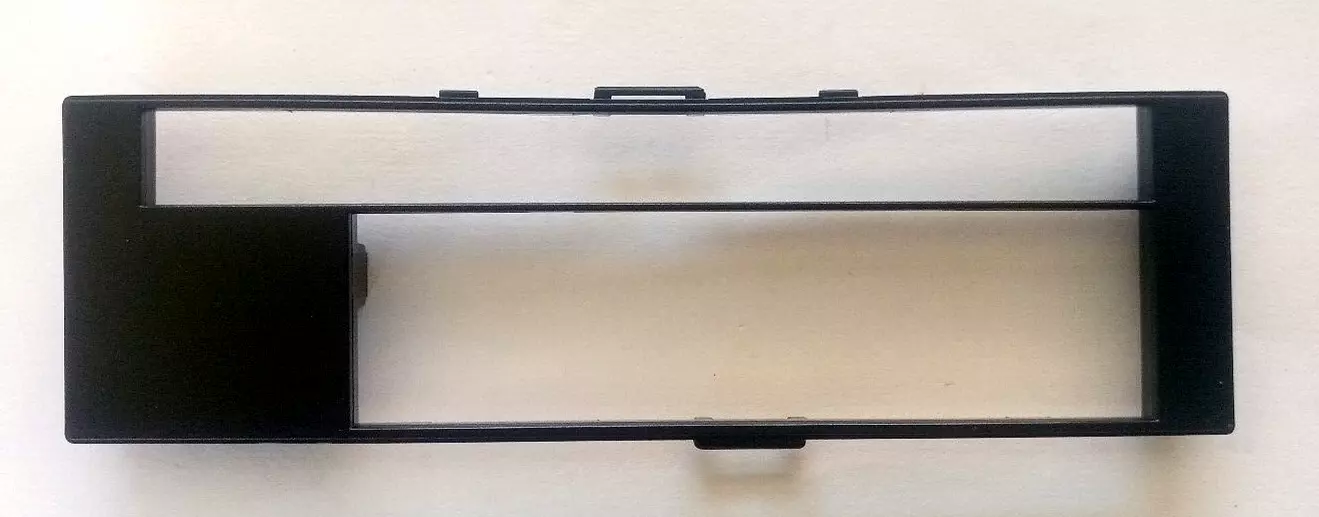
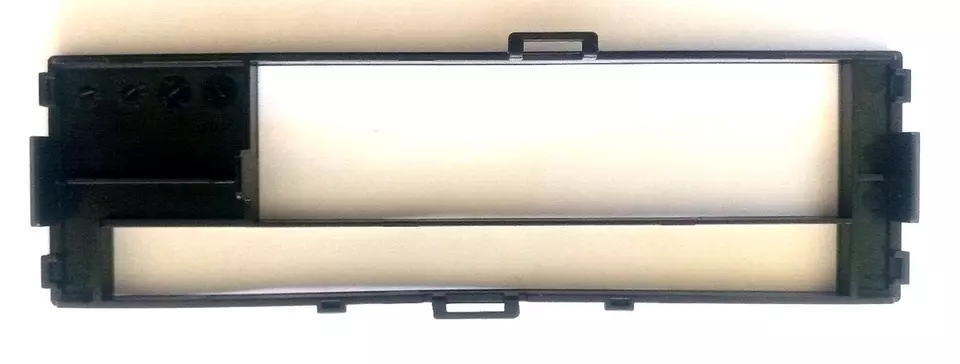
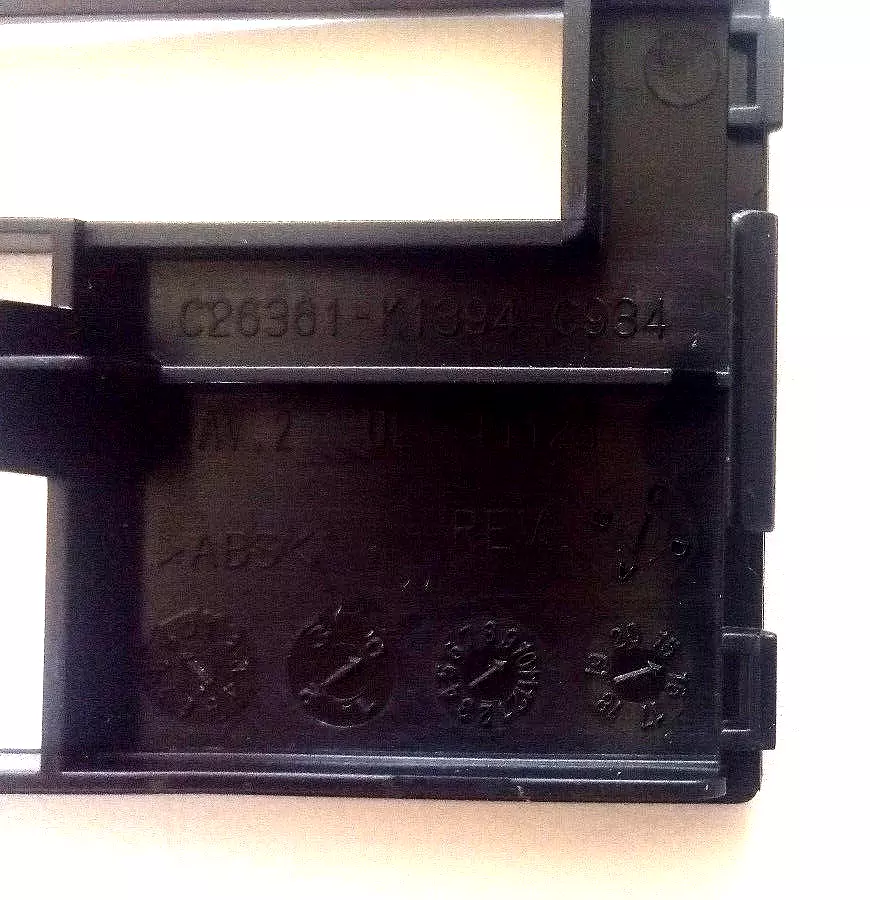
DVD front panel – cd – bd – hdd for cases -box – desktop pc – new
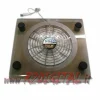
Compatibility: Designed to fit standard desktop PC cases or boxes.
Device Support:
DVD Drive: Accommodates a standard DVD-ROM or DVD writer drive.
CD Drive: Supports CD-ROM or CD writer drives.
BD Drive: Includes support for Blu-ray Disc (BD) drives.
HDD: Provides slots or bays for mounting hard disk drives (HDDs).
Mounting: Typically features slots or bays with screw holes for securely mounting DVD, CD, BD drives, and HDDs into the PC case.
Material: Constructed from durable materials such as plastic or metal, ensuring stability and longevity.
Front Panel Design: Offers a front-facing panel design that integrates with the aesthetics of desktop PC cases.
Connectivity: Includes necessary connectors (e.g., SATA data and power connectors) for connecting DVD, CD, BD drives, and HDDs to the motherboard and power supply unit (PSU).
Size: Designed to fit standard sizes for DVD, CD, BD drives (e.g., 5.25-inch drive bays) and HDDs (e.g., 3.5-inch drive bays).
Color Options: Available in various colors to match different PC case designs and preferences.
Features:
LED Indicators: Some models include LED indicators for power and activity status of connected drives.
Tool-less Installation: Optional tool-less installation features for easy assembly and removal of drives.
Ventilation: Integrated ventilation holes or designs to ensure adequate airflow around installed drives for optimal cooling.
Additional Components: May come with additional components such as faceplates, mounting brackets, or adapters for versatile installation options.
Compatibility: Verify compatibility with the specific PC case model and motherboard to ensure proper fit and functionality.
The DVD front panel designed for desktop PC cases is a versatile component that facilitates the integration of optical drives and hard disk drives (HDDs) into desktop computer setups. Here’s a detailed description highlighting its features and functionality:
Description:
Compatibility: This front panel is specifically crafted to fit standard desktop PC cases, boxes, or tower configurations, ensuring seamless integration into various PC builds.
Device Support:
DVD Drive: Provides support for standard DVD-ROM or DVD writer drives, allowing for DVD playback, data storage, and disc burning capabilities.
CD Drive: Accommodates CD-ROM or CD writer drives, enabling users to read CDs and burn data onto CD media.
BD Drive: Includes slots or bays for Blu-ray Disc (BD) drives, supporting high-definition media playback, data storage, and Blu-ray disc burning functionalities.
HDD: Features bays or slots for mounting 3.5-inch HDDs, facilitating additional storage capacity within the desktop PC.
Construction: Typically constructed from durable materials such as plastic or metal, ensuring sturdiness and longevity in everyday use.
Design: Incorporates a front-facing panel design that blends aesthetically with the overall appearance of the PC case, enhancing the visual appeal of the system.
Installation: Designed with standard 5.25-inch drive bay compatibility for optical drives and 3.5-inch drive bay compatibility for HDDs. This allows for straightforward installation and secure mounting of drives using screws.
Connectivity: Includes necessary connectors such as SATA data and power connectors to establish connections between the drives and the motherboard and power supply unit (PSU) of the desktop PC.
Ventilation: Some models may feature ventilation holes or airflow designs in the front panel to ensure adequate cooling for installed drives, thereby maintaining optimal performance and reliability.
Compatibility: Compatible with a wide range of desktop PC configurations, ensuring flexibility in upgrading or building custom PC setups tailored to specific user needs.
Benefits:
Expansion: Enables users to expand storage and media capabilities by easily adding optical drives for CD, DVD, and BD playback, as well as HDDs for additional data storage.
Versatility: Supports various types of optical and storage drives, accommodating diverse user requirements ranging from multimedia playback to data backup and storage.
Functionality: Enhances the functionality of desktop PCs by providing reliable access to optical media and additional storage options essential for both personal and professional use.
Applications:
Home and Office Use: Ideal for multimedia enthusiasts, gamers, professionals, and businesses requiring reliable optical drive functionality and expanded storage capacities.
Custom PC Builds: Essential component for DIY builders and enthusiasts constructing or upgrading desktop PCs with versatile media and storage solutions.
Media Production: Suitable for media production environments where reliable disc burning and high-definition media playback capabilities are essential.
Conclusion:
The DVD front panel for desktop PC cases combines robust construction, compatibility, and functionality to provide essential support for integrating optical drives and HDDs into custom-built or upgraded desktop computer setups. It serves as a practical solution for enhancing storage capabilities, media playback options, and overall usability in various computing environments.
Related products

Computer Accessories
Fellowes Mouse Mat Wrist Rest Crystal Gel Mouse Wrist Support Black

Computer Accessories
Gaming Mouse 2.4GHz Wireless Optical USB 2400DPI Mice Rechargeable For PC

Computer Accessories
SteelSeries Aerox 5 Wireless Gaming Mouse – Ultra Lightweight 74g – 9 Buttons –

Computer Accessories
Acer Chromebook CP311-1HN Touch Screen Stylus Pen NC.23811.04D NC.23811.05E


Computer Accessories
2.4 GHz Wireless Cordless Mouse Mice Optical Scroll For PC Laptop Computer + USB


Computer Accessories
NEW HP ShareBoard Whiteboard Camera Capture Export Stream PDF Web 2TX38AA

Computer Accessories
Ergonomic Optical Vertical Mouse 6 Keys USB Wireless Mice 2.4GHz 1600DPI for PC
Computer Accessories
Custom Protective Cover, PC Computer Tower, Monitor, Apple Mac, Playstation Xbox